Classic Solitaire,
Free on Windows
No ads. No internet. No subscriptions. Just the game you know — offline, on your desktop, free forever.
⬇ Download Free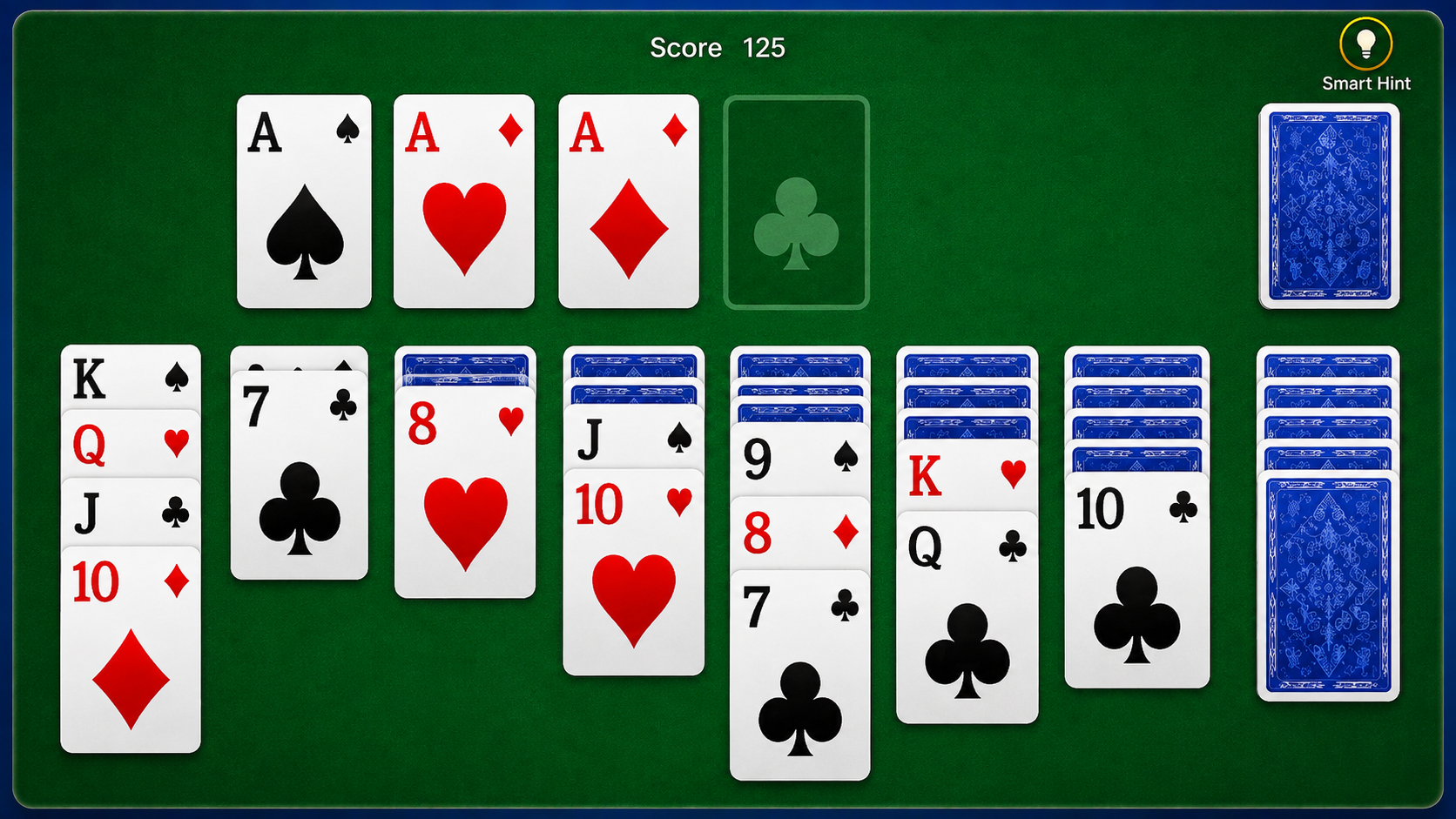
Built for the way you play
Zero Ads
Play without interruption. No banners, no pop-ups, no "watch a video to continue." Ever.
Fully Offline
Works without internet after install. Play on a plane, in a coffee shop — anywhere.
Classic Klondike
Draw-one and draw-three modes. Vegas scoring and standard scoring. The real rules.
Auto-Save
Close any time. Your game is saved automatically — pick up right where you left off.
Daily Challenges
A new solvable deal every day. Beat it and keep your streak going.
Card Themes
Multiple card backs, table colors, and difficulty settings to tune it your way.
Playing in under two minutes
Download the installer
Click "Download Free" and run SolitaireApp.exe — no account, no sign-up required.
Quick setup
The setup wizard completes in under a minute. One click and it’s done.
Deal your first hand
Open the app, hit New Game. Your cards are waiting — start playing immediately.
Runs on nearly any Windows PC
Minimum
- OS: Windows 10 (64-bit)
- CPU: Any dual-core
- RAM: 2 GB
- Disk: 50 MB free
Recommended
- OS: Windows 11 (64-bit)
- CPU: Intel Core i3 / Ryzen 3
- RAM: 4 GB
- Disk: 100 MB free
Ready to play?
Free forever. No ads. No internet required after install.
⬇ Download Free